Video Editor for Broadcasters
With AI-powered platforms like MediaCopilot, broadcasters can automate editing, clipping, and distribution, ensuring every piece of content is ready for live or on-demand delivery across multiple channels. This improves efficiency, consistency, and audience engagement while reducing production time and costs.
How Video Editing Helps Broadcasting
Video editing enhances broadcasting workflows by ensuring every piece of footage meets quality and timing standards. From live news to sports highlights, professional editing guarantees smooth transitions, accurate cuts, and visual consistency across all output channels.
With AI tools like MediaCopilot, broadcasters can automate repetitive tasks—such as trimming, subtitling, and formatting—allowing teams to focus on storytelling and audience engagement. This ensures faster turnaround times and consistent output across TV, OTT, and social media platforms.


Key Capabilities
Everything broadcast teams need to automate editing, clipping, and multi-channel distribution at production speed.
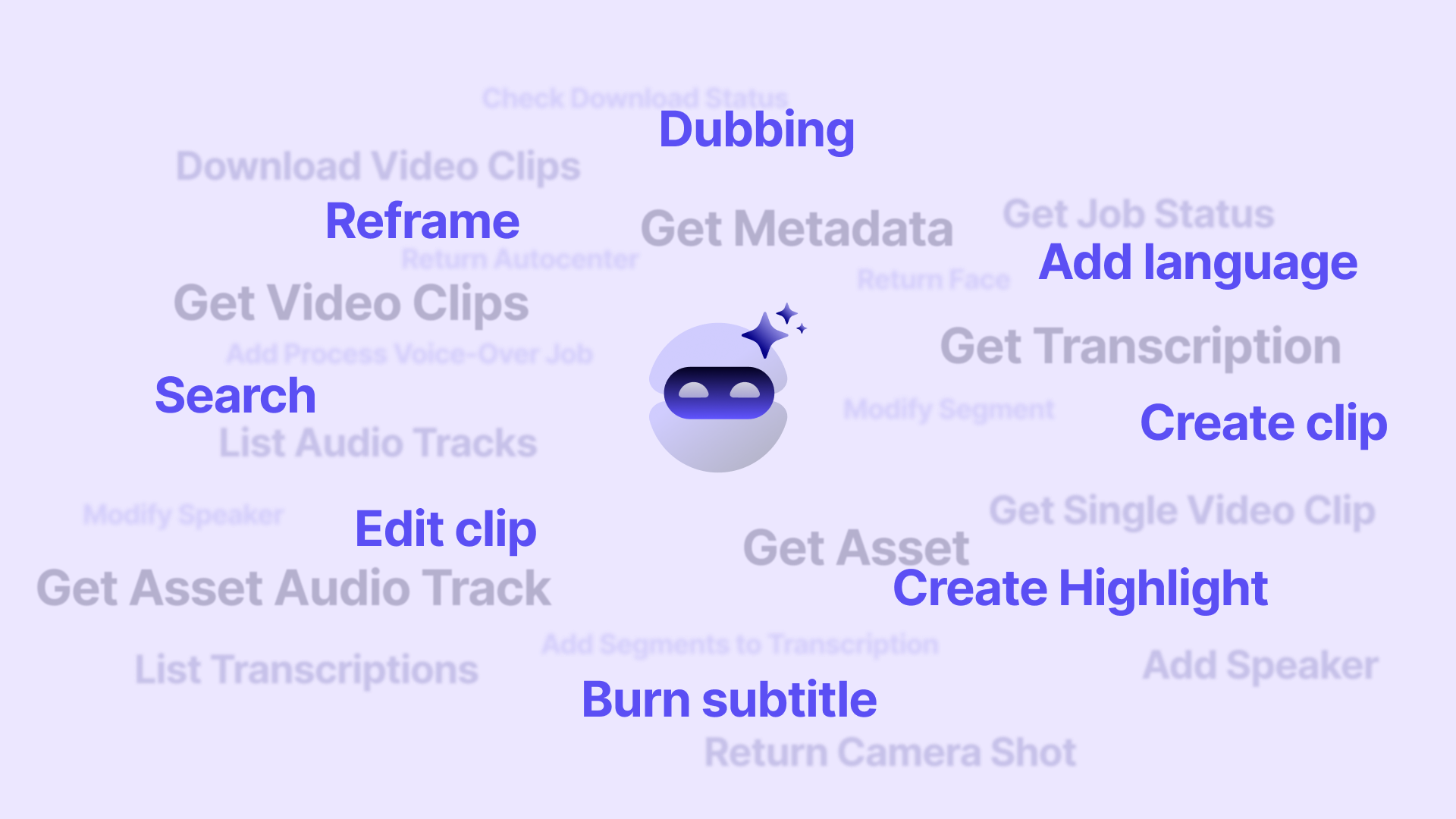
Detects key moments in live or recorded streams for instant highlight creation. Formats videos for linear, digital, and OTT platforms automatically. Adds captions, translations, and dubbing to comply with accessibility and regional regulations.
Live and VOD Clipping Tool – Create broadcast-ready highlights from live feeds or long recordings in seconds. Automatic Subtitles and Translations – Generate accurate captions in multiple languages for compliance and accessibility. AI Dubbing Engine – Produce natural, localized audio tracks instantly for global distribution.
How It Works
Get started in minutes. Ingest your content, apply AI automation, and deliver broadcast-ready output in record time.
Import video or audio files directly from your device or connect your cloud media library.
MediaCopilot's models analyze, transcribe, and enrich your content in minutes—no manual work.
Inspect AI outputs, adjust labels, speaker names, or timecodes with an intuitive interface.
Download ready-to-use files or publish directly to your platforms with one click.
Why Teams Choose MediaCopilot
Video Editing for Every Broadcasting Team
From regional news stations to global sports networks, MediaCopilot scales to meet the demands of any broadcast operation.
Automate the production of news packages, promos, and on-demand content—with AI-powered clipping, subtitling, and multi-format delivery that keeps pace with broadcast schedules.
Generate highlight reels, player clips, and match recaps instantly. AI detects key moments so sports teams can publish across TV, OTT, and social simultaneously.
Process live feeds and archive footage at speed—with automated transcription, scene detection, and metadata tagging that keeps newsrooms agile and accurate.
Scale content delivery with automated transcoding, multi-language subtitles, AI dubbing, and metadata enrichment for large on-demand libraries.
Repurpose broadcast content for web and social audiences—clipping, reformatting, and captioning video for distribution across every digital channel.
Produce internal communications, investor updates, and event recordings with broadcast-quality automation—without the cost of traditional post-production.
All MediaCopilot Tools
Frequently Asked Questions
MediaCopilot Blog
Stay ahead with our latest insights, news and releases.