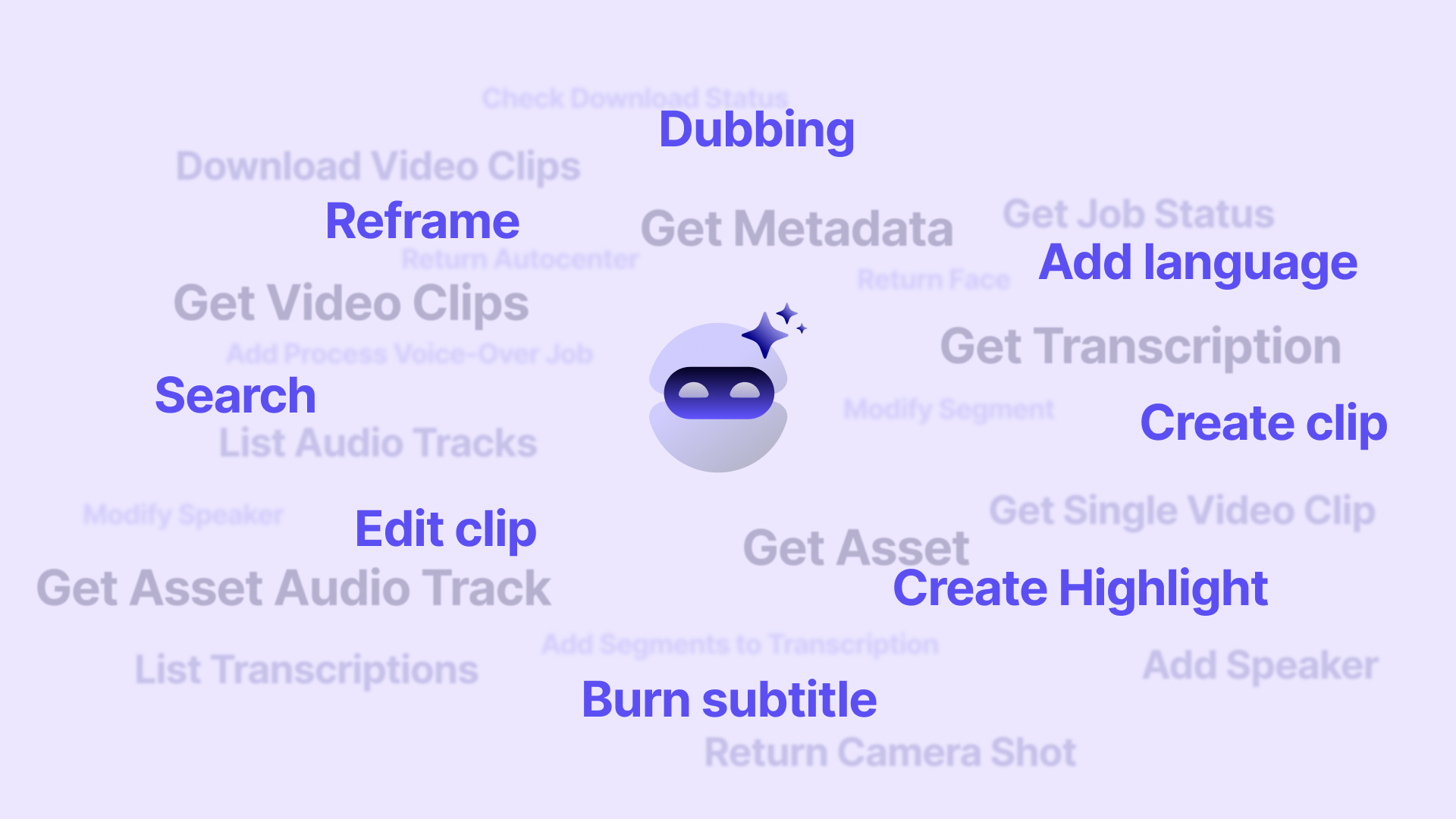
Functions
Transform hours of raw footage into impactful, platform-ready videos with AI-driven automation that saves time, cuts costs, and amplifies your brand’s reach.
Automatic Key Moment Detection
Identifies the most relevant segments of any video using semantic AI and audio/image analysis.
Multiple Clip Generation
Turns a single long recording into dozens of short pieces ready for social media or campaigns.
Smart Reframing
Adapts the format (vertical, square, horizontal) to fit each platform: TikTok, Instagram, YouTube, LinkedIn, etc.
Automatic Subtitles and Translations
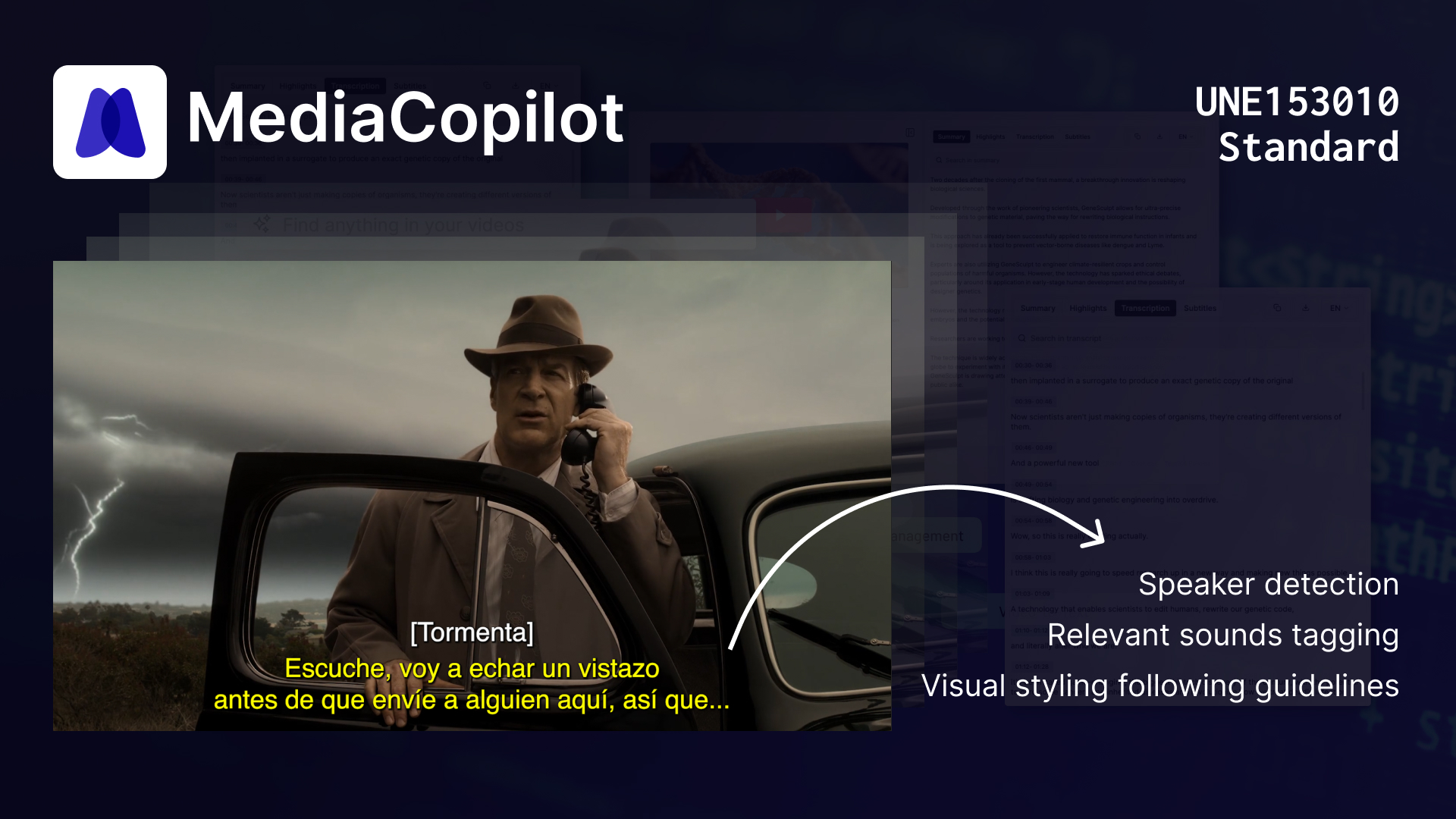
Generates accurate subtitles and multi-language versions in seconds.
Topic or Scene Segmentation
Divides content into themed sections for easier reuse.
Editing Automation
Minimizes manual work with automated selection, cutting, and exporting processes.
Advanced Indexing
Classifies and tags clips with metadata for quick searches in content libraries.
Fast Integration and Publishing
Exports directly to social media or content management tools to speed up your workflow.
Online Video Clipping Tool: How it Works
With MediaCopilot, you’ll take your video production to the next level effortlessly: automate transcription, create highlight clips, add subtitles, and reformat content—all with just a few clicks, without wasting time on repetitive tasks.
Quick Steps to Get Started:
- Sign up on the platform: Fill out the form with your details (name, company, email) and access a free trial or choose a plan that fits your volume.
- Upload your content (or connect your cloud): Add videos or audio files from your device, or integrate with your cloud systems.
- Watch the magic happen: In seconds, get automatic transcriptions, voiceovers, highlight suggestions, and social-ready clips.
- Review and customize: Adjust subtitles, switch languages, edit suggested clips, and adapt formats to match your brand style.
- Export or publish in one click: Download your clips or post them directly to YouTube, Instagram, TikTok, or any other platform.
Benefits of AI Video Clip Tool
- Massive Time and Resource Savings
- Content Scalability
- Automatic Key Moment Detection
- Multiplatform Optimization
- Instant Subtitles and Translation
- Professional Quality and Cohesion
- Higher Engagement
- Advanced Indexing and Organization
- Streamlined Workflow
- Superior ROI
AI Video Clipping Tool: Who is it for?
Marketing
Perfect for teams looking for constant, viral content. Turn webinars, campaigns, and presentations into social media–optimized clips, boosting reach and cutting editing costs.
Human Resources (HR)
Streamline internal training and onboarding with short, engaging videos that improve retention. Save production time and make content more accessible for employees.
eLearning
Transform long classes and courses into short, dynamic lessons that promote more effective learning. Easily update content without having to redo entire materials.
Banking and Finance
Speed up team training and corporate communication with segmented clips that are easy to distribute. Provide security and consistency in shared information.
Social Media
Boost your digital presence with short, frequent content that leverages TikTok, Instagram, LinkedIn, and YouTube algorithms. Increase engagement without overloading teams.
Other Industries
- Creative Agencies: Manage multiple accounts and campaigns without duplicating effort.
- Events and Conferences: Publish summaries and highlights instantly.
- Retail and eCommerce: Create engaging content to promote products across multiple channels.
- Corporate Education: Turn internal sessions into clip libraries for quick reference.
- Consulting and Services: Strengthen authority marketing with impactful snippets from webinars and talks.
All MediaCopilot Tools
FAQs
What exactly is this ai video clipping tool?
It’s an online video clipping tool powered by AI that transforms long videos into engaging, platform-ready clips—complete with transcription, subtitles, dubbing, highlights, and reframing for social networks.
How does the pricing work for the ai video clip tool?
Pricing is based on input hours. For instance, a 30-minute video consumes 30 minutes of processing time under your plan—and if you include dubbing, you’ll use double the time (so 60 minutes consumed for that video).
How long does it take to process a 1-hour video?
Typically, a 1-hour video is processed in 10–15 minutes, depending on selected services like transcription, translation, or dubbing.
Can I connect content stored in my cloud?
Yes, absolutely. MediaCopilot supports integration with semi-private cloud storage providers like Google Drive or YouTube, and offers options for fully private/on-premise environments too.
What about language support—for subtitles and dubbing?
The platform offers subtitles in over 50 languages and AI-generated dubbing in more than 20 languages, with continuous expansion.
Transform My Content